You’ve decided you need a website. Great. Now someone’s telling you to use Wix, someone else says WordPress, and your cousin swears by Squarespace. They can’t all be right.
The truth is, they’re all good platforms for the right use case — and the wrong choice for the wrong situation. This breakdown will help you figure out which one actually fits your business, your budget, and your technical comfort level.
Quick note: I build on WordPress for most clients at Creative Atmosphere, but I’m going to give you the honest picture. The right platform is the one that serves your business, not the one I prefer to build on.
The Quick Summary
Before the deep dive:
- WordPress: Most powerful, most flexible, requires more management — best for businesses that need to grow and rank
- Squarespace: Beautiful templates, easy to use, limited flexibility — best for service businesses that want to look polished fast
- Wix: Most beginner-friendly, drag-and-drop everything, can get messy long-term — best for very simple sites and early-stage businesses
WordPress: The Workhorse
What it is
WordPress.org (not WordPress.com — different thing) is open-source software that you install on your own web hosting. It powers about 43% of all websites on the internet. It’s the industry standard for a reason.
What it costs
The software is free. You pay for hosting ($20–$60/month for managed WordPress hosting), a domain ($15–$25/year), and potentially a premium theme or page builder like Elementor. If someone builds it for you, that’s the main cost.
What it’s great at
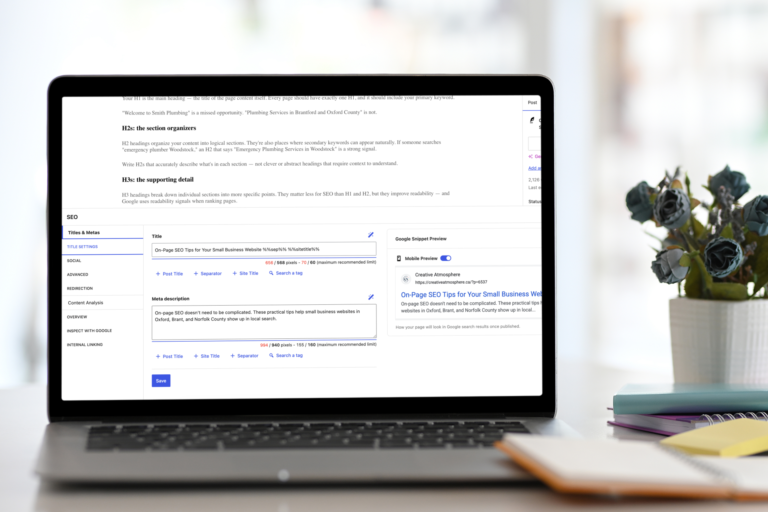
- SEO — the most advanced SEO control of any platform, especially with plugins like Rank Math or Yoast
- Flexibility — nearly infinite customization through themes and plugins
- Scalability — can grow from a 5-page site to a 500-page e-commerce store without switching platforms
- Content — the best blogging and content management of the three
- Ownership — you own everything: your data, your code, your content
What it’s not great at
- Ease of use for beginners — there’s a learning curve if you want to manage it yourself
- Maintenance — you’re responsible for updates, security, and backups (or you pay someone to be)
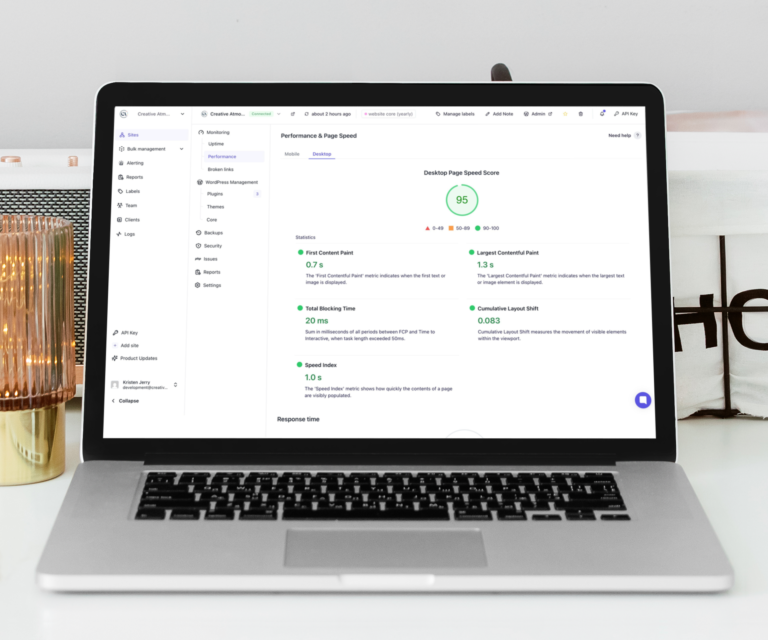
- Speed out of the box — needs optimization; a poorly managed WordPress site can be slow
Best for
Small businesses serious about SEO and long-term growth. Businesses that want a site they can expand over time. Anyone who plans to blog regularly or wants to rank on Google.
Squarespace: The Beautiful Option
What it is
Squarespace is an all-in-one website builder — hosting, domain, templates, and editor all bundled together. You don’t install anything. You log in and build.
What it costs
Plans start around $23/month (CAD pricing varies). Everything is included in the subscription — no separate hosting bill, no plugin costs. Predictable pricing is a genuine advantage.
What it’s great at
- Design — genuinely beautiful templates that are hard to make look bad
- Ease of use — the editor is intuitive; most small business owners can manage it themselves
- Reliability — Squarespace handles security and updates; you don’t have to
- All-in-one simplicity — one bill, one login, everything in one place
What it’s not great at
- SEO ceiling — good enough for basics, falls short for competitive keyword targeting
- Customization — limited compared to WordPress; you work within their system
- Migration — moving your content off Squarespace later is painful
- Plugins and integrations — far fewer options than WordPress
Best for
Service-based businesses, creatives, and consultants who want a polished site fast and don’t need deep SEO. Photographers, coaches, therapists, boutique studios.
Wix: The Beginner-Friendly Builder
What it is
Wix is a fully hosted, drag-and-drop website builder. It’s the most flexible layout-wise — you can place anything anywhere on the page — and the most beginner-friendly of the three.
What it costs
Plans start around $17/month. Like Squarespace, hosting is included.
What it’s great at
- Ease of use — genuinely the simplest to get started with
- Design freedom — the free-placement editor lets you put elements exactly where you want
- Built-in tools — Wix has apps for booking, events, forms, and more
What it’s not great at
- SEO — historically weak; has improved, but still not competitive with WordPress for ranking
- Code quality — the free-placement editor generates messy HTML that can hurt performance
- Scalability — Wix sites often need to be rebuilt from scratch as businesses grow
- Professional perception — some clients and partners notice; this matters in some industries
Best for
Very early stage businesses, side projects, or situations where you need something online fast and SEO isn’t a priority yet. Think temporary landing pages and micro-businesses testing an idea.
The SEO Comparison: Why It Matters for Local Businesses
If you want to show up on Google when someone in your town searches for your service, platform choice matters. Here’s the honest ranking:
- WordPress — most control, best results for competitive keywords
- Squarespace — adequate for local SEO if you’re not in a competitive niche
- Wix — improving, but still behind; not ideal if search traffic matters to you
For most small businesses in Oxford County, the competition on Google isn’t as fierce as Toronto. You can rank on Squarespace if you’re in a low-competition local niche. But for trades, web services, or any category with multiple local competitors, WordPress gives you the edge.
The Ownership Question
One thing most platform comparisons skip: what happens if you want to leave?
With WordPress, you own everything. Your content, your database, your design. You can move it to any host on the planet.
With Squarespace or Wix, you’re on their platform. You can export your blog posts (sort of) but you cannot export your design, your pages, or your site structure. If they raise prices or shut down, you’re rebuilding from scratch.
For a business asset you’re investing real money into, ownership matters.
So Which Platform Should You Choose?
Here’s the decision framework:
- You want to rank on Google and grow over time → WordPress
- You want something beautiful, manageable, and you’re not focused on SEO → Squarespace
- You need something online this week, budget is tight, SEO isn’t the goal → Wix
- You want e-commerce → WordPress with WooCommerce
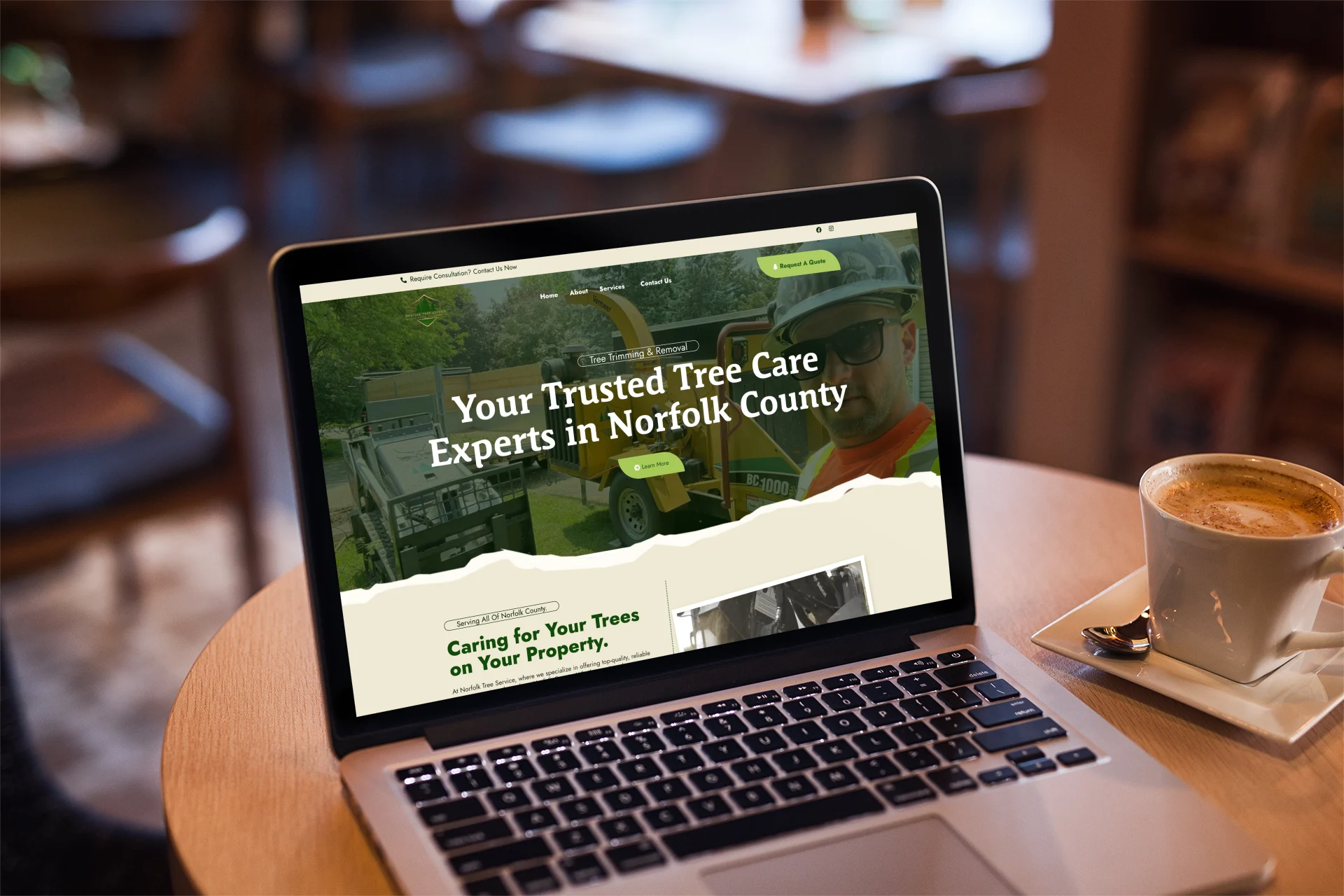
At Creative Atmosphere, most builds are WordPress — because my clients are small businesses that need to rank locally, grow their content, and own their digital presence. If that’s you, that’s what I’ll recommend. Learn about my website design services.
Frequently Asked Questions
Can I switch platforms later?
You can, but it’s always a rebuild. There’s no clean migration between these platforms. That’s why the choice you make upfront matters — pick the one you’ll be happy with in three years.
Is WordPress hard to learn?
Managing basic content on a WordPress site — adding blog posts, updating text, swapping photos — is straightforward. Building and customizing from scratch is more complex. That’s where having a designer set things up properly makes a real difference.
Do I need to know how to code?
For day-to-day management of a WordPress site built with Elementor: no. For custom development and complex features: yes. Most small business sites don’t require custom code.
Which is better for a trades business in Oxford, Brant & Norfolk County?
WordPress. Trades businesses rely heavily on local search traffic. You want the best possible SEO, a fast site, and the ability to add new service pages and blog content over time. WordPress delivers all three.
Next Step
If you’re trying to figure out which platform is right for your specific situation — or you already know you want WordPress and want someone to build it properly — let’s talk.
Booking a discovery call is free and takes 20 minutes. You’ll leave with a clear picture of what your project involves and what it costs.